
 Kontakt
 Jak nakupovat
Doručení
Nákupní rádce
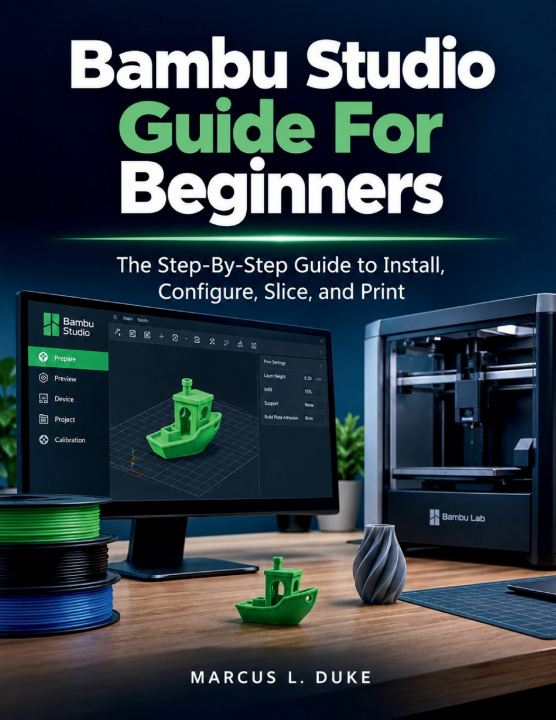
Bambu Studio Guide For Beginners
The Step-By-Step Guide to Install, Configure, Slice, and Print
 Angličtina
 57 b
57 b
 Připravujeme
 Nové
Nové
Až 30 dní na vrácení zboží

Have you just unboxed your Bambu Lab printer and found yourself staring at a screen full of panels, sliders, and settings you have never seen before - with no idea where to start? Are your prints coming out with stringing, warping, or rough surfaces that you cannot explain? Are you spending hours searching through YouTube tutorials and Reddit threads that skip the fundamentals, contradict each other, and leave you more confused than when you started?
You are not alone - and this book was written for exactly this moment.
This book is the complete, step-by-step handbook that takes you from the very first launch of the software to producing consistent, high-quality 3D prints with total confidence.
Here Is What You Will Find Inside:
- Complete Installation and Setup: Learn how to download and install Bambu Studio correctly, create your Bambu Lab account with the right region settings, connect your printer via Cloud or LAN mode, and complete the First-Launch Wizard without making the mistakes that cause problems later. Everything is explained in order, with no steps assumed.
- Full Interface Mastery: Stop guessing what every button does. This guide gives you a complete, systematic tour of every tab, panel, toolbar, and control in Bambu Studio - the Prepare, Preview, Device, and Calibration tabs, the full left toolbar tool set, the right panel's Printer, Filament, and Process sections, and every keyboard shortcut that saves you time on every single print session.
- Model Importing and Preparation Done Right: Learn how to choose the right file format for every situation, import models via drag-and-drop or MakerWorld integration, fix mesh errors automatically, and apply the five rules of good print orientation that reduce supports, improve surface quality, and eliminate preventable failures before they happen.
- Print Settings Mastered from the Ground Up: From layer height and infill patterns to wall count, print speed, seam placement, and custom process presets - every setting is explained with real trade-off analysis so you understand not just what to click, but why it matters and what happens to your print when you change it.
- Filament Selection and Material Profiles: Discover exactly when to use PLA, PETG, ABS, ASA, TPU, and Nylon - and how to configure each material correctly in Bambu Studio. Learn how to apply built-in filament profiles, import third-party profiles, choose the right build plate surface for each material, and recognise and fix wet filament problems before they ruin your prints.
Bonus Section - Your Permanent Reference Toolkit:
- Master Glossary
- Quick-Reference Troubleshooting Table
- Filament Temperature and Settings Cheat Sheet
- Calibration Checklist
- Keyboard Shortcuts Master List
- Recommended Models for Beginners
Stop guessing. Stop wasting filament. Stop searching for answers that should already be in one place.
Scroll up and click Buy Now - your first great print is closer than you think.
This is an independent educational publication. It is not affiliated with, sponsored by, or endorsed by Bambu Lab Co., Ltd. All product names, trademarks, and registered trademarks mentioned in this guide are the property of their respective owners. All technical information is based on publicly available documentation and community-validated knowledge current at time of writing.


Informace o knize
Angličtina

Darujte tuto knihu ještě dnes
Je to snadné
1 Přidejte knihu do košíku a zvolte doručit jako dárek 2 Obratem vám zašleme poukaz 3 Kniha dorazí na adresu obdarovanéhoAhoj! Jsem Libroamiko, tvůj knižní rádce.
Jak ti můžu pomoct?