
 Kontakt
 Jak nakupovat
Doručení
Nákupní rádce
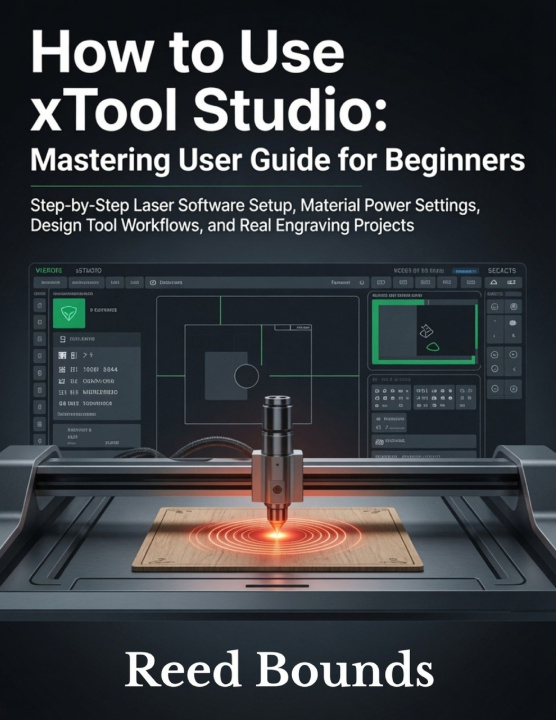
How To Use xTool Studio
Mastering User Guide for Beginners: Step-by-Step Laser Software Setup, Material Power Settings, Design Tool Workflows, and Real Engraving Projects
 Angličtina
 55 b
55 b
 Nové
Nové
Až 30 dní na vrácení zboží

Your xTool laser is on the desk. The cable is plugged in. And somehow, the engrave still doesn't land where the screen says it will.
If that moment sounds familiar, this book was written for you.
xTool Studio is capable, powerful laser engraving software but it was never designed to teach itself. The quick-start gets you to the canvas. It does not get you to consistent, professional output. The gap between those two places is filled with settings that interact in ways nobody explains, layers that ruin projects when configured out of order, and material presets that treat every piece of basswood like it came from the same tree.
This step-by-step xTool Studio beginner's guide closes that gap completely from first install to production-ready workflow, with nothing assumed and nothing skipped.
Inside this xTool Studio user guide, you'll discover:
- The exact installation sequence for Windows and Mac including the driver step that stops xTool Studio from showing "Disconnected" when the machine is right in front of you
- How laser power, speed, and passes work as a system and why increasing power alone is always the wrong fix when a cut doesn't go through
- A material test grid workflow that locks in your optimal laser engraving settings for any new substrate in one session no forum-searching required
- The layer order that prevents ruined workpieces on combined engrave-and-cut jobs, and why sequence matters more than settings
- Camera calibration, passthrough engraving for long boards and signs, and jig systems for production batches where every piece must land identically
- Rotary engraving setup for cylinders and tumblers with the circumference calculation that eliminates stretched or distorted output
- Photograph engraving modes for wood, slate, and anodized aluminum with the exact mode (Grayscale vs. Dot Fill) that produces sharp, accurate results on each surface
- Scanning optimizations that cut large fill engrave job time by 30 to 50 percent without any reduction in output quality
- Systematic troubleshooting sequences for incomplete cuts, blurry engraves, misaligned output, and mid-job software crashes
- Five complete real-world projects built step by step: personalized cutting board, acrylic name sign, leather patch, photo engraving on slate, and a layered wood ornament
- You just received your xTool machine and want your first project to actually work not to be the failed run before the real one
- You've been engraving for months and your results still feel inconsistent in ways you can't explain
- You're growing toward production work, batch engraving, or rotary jobs and need the technical specificity that general laser engraving tutorials never provide
If you own an xTool laser, this is the guide that should have come in the box.
Scroll up and grab your copy.


Informace o knize
Angličtina

Darujte tuto knihu ještě dnes
Je to snadné
1 Přidejte knihu do košíku a zvolte doručit jako dárek 2 Obratem vám zašleme poukaz 3 Kniha dorazí na adresu obdarovanéhoAhoj! Jsem Libroamiko, tvůj knižní rádce.
Jak ti můžu pomoct?