
 Kontakt
 Jak nakupovat
Doručení
Nákupní rádce
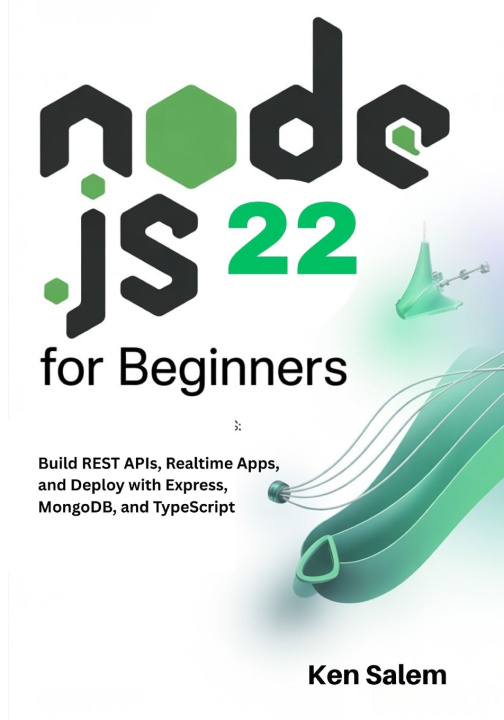
Node.js 22 for Beginners
Learn Backend Development with Node.js 22 LTS: Build REST APIs, Realtime Apps, and Deploy with Express, MongoDB, and TypeScript
 Angličtina
 49 b
49 b
30 dní na vrácení zboží

Node.js 22 for Beginners is the practical, modern, and beginner-friendly guide for anyone ready to build real backend applications with confidence. This book teaches you exactly how today's backend developers work-using Node.js 22 LTS, Express, MongoDB, and TypeScript-through clear explanations, complete examples, and fully working projects you can run immediately.
Whether you're starting from zero or switching from frontend development, you'll learn how to build fast, scalable backend systems, create REST APIs, work with databases, add authentication, build realtime apps, test your code, and deploy your projects like a professional. Every concept is taught with clarity, accuracy, and hands-on guidance, making this book one of the most reliable ways to learn modern backend development.
You'll explore essential skills such as asynchronous programming, routing, middleware patterns, API design, request validation, error handling, authentication with JWT, Socket.IO realtime communication, database modeling with Mongoose, CLI tools, unit testing, API testing, deployment with Docker, and production-ready workflows. Nothing is abstract or theoretical-you build real features using real tools exactly the way developers do in the field.
What makes this book stand out is its accuracy, its beginner-focused structure, and its use of verified, up-to-date techniques drawn from real-world Node.js practices. Everything is explained simply and professionally, without unnecessary complexity. The goal is to help you learn quickly, avoid confusion, and gain skills that will remain relevant for years.
This book is perfect for absolute beginners, self-taught developers, coding students, and anyone preparing for a career in backend or full-stack development. By the end, you'll feel confident designing, building, and deploying complete backend applications with Node.js.


Informace o knize
Angličtina
